 LOCAL FIT KUMANOBack to list

What to Know Before Using a GPS App on the Kumano Kodo
The Kumano Kodo winds through cedar forests and deep valleys. A GPS app that lets you check "where am I right now" at a glance can be a reassuring companion on your walking journey.
Rather than focusing on which app to choose, this article is about how to use one as you walk.
Your location point still appears even without signal
Your smartphone's GPS measures position using signals from satellites, which is separate from the mobile phone network. That's why your location point will often still appear on mountain trails even when you're out of signal range. However, if you haven't downloaded the background map in advance, the screen may appear blank.
In deep valleys or under dense forest canopy, your position may also drift slightly. If the point seems to stray from the trail, there's no need to panic right away. Wait a few dozen seconds, or check again from a more open spot.
Three Ways to Use It While Walking
1. Check your location at every junction or rest stop
Staring at the screen as you walk is both dangerous for your footing and drains the battery. We recommend checking only at times like these:
- Before a junction or trail sign
- When you pause for a break
- Whenever you feel even a slight "am I on the right path?"
If the signpost, the map, and the point on your screen all line up, you can continue with peace of mind.
2. Record a track log (the line of your route)
Many GPS apps can record the path you've walked as a line on the map. It's useful for retracing your steps on the way back, and after your walk it becomes a pleasant way to look back and remember "this is where we took a break."
Recording a log tends to drain the battery faster. Test the recording interval and settings at home before you leave, so you won't be flustered on the trail.
3. Use it as a pacing guide
If your app shows distance walked and elapsed time, you can use it to judge whether you'll reach your lodging before sunset. On stone-paved paths and steep climbs, your pace will naturally be slower than on flat ground. If you feel you're falling behind schedule, decide early whether to turn back or shorten your route.
Tips for Making Your Battery Last
- Lower screen brightness and put your phone to sleep when not in use
- Close apps you aren't using
- GPS often works even in airplane mode (this depends on your device and settings, so check before you leave)
- Keep a portable battery and cable somewhere you can grab quickly
- Batteries drain faster in cold weather, so keep your phone warm in an inside jacket pocket
Don't Rely on Your GPS App Too Much
GPS apps are convenient, but not all-powerful. A dead battery, a drop, or a screen that's hard to see—there are plenty of unexpected moments when the app may fail you.
- Carry a paper map or a local trail guide as well
- Keep the habit of reading signposts and consulting a map as you walk
- If you feel uneasy, don't push on—turn back the way you came
Walking the Kumano Kodo is itself a time close to prayer. Now and then, lift your eyes from the screen and take in the moss on the stone paving and the scent of the trees. A GPS app is best thought of as a quiet companion that helps you enjoy that time with peace of mind.
Pre-Departure Checklist
- [ ] Installed the app and tried it out once at home
- [ ] Downloaded maps of the section you'll be walking in advance
- [ ] Checked the track log recording settings
- [ ] Fully charged your portable battery
- [ ] Packed a paper map
With your preparations in order, set out for the ancient paths of Kumano with confidence.
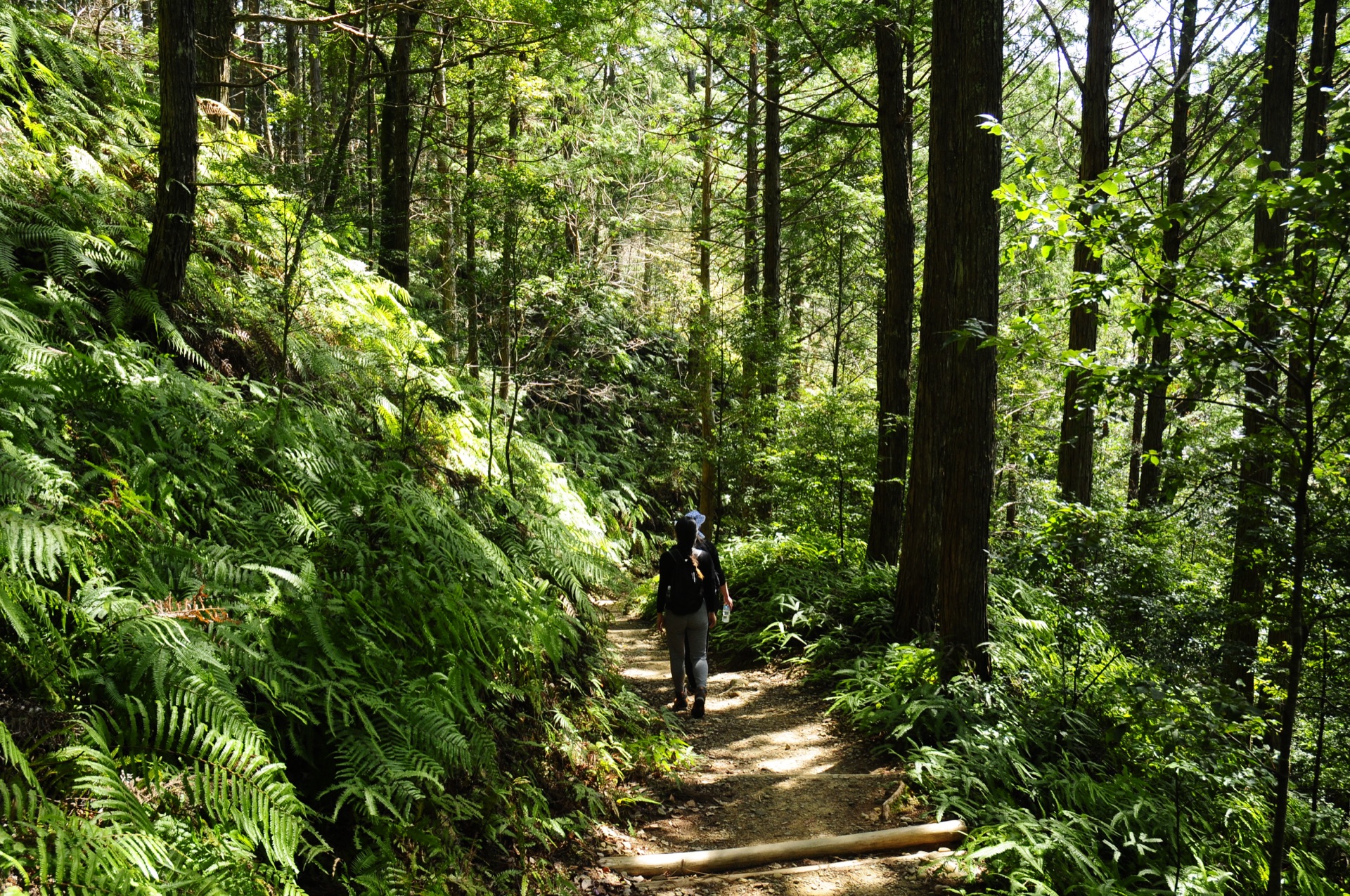
Image: 熊野古道中辺路 大門坂 (via (公社)和歌山県観光連盟)